








Generator
History
AI Floor Plan Generator
Change Tool
Model
Base
Switch
Rooms
BedRoom
-
2
+
BathRoom
-
1
+
Kitchen
open
closed
Gross Area
Unit metric
 imperial
metric imperialArea
< 50㎡
50-80㎡
80-100㎡
100-120㎡
120-150㎡
> 150㎡
Extras
walk-in closet
laundry room
storage room
utility room
home office
garage
pantry
combined living-dining
balcon

Design Your Dream Home with an Instant First Floor Plan
Unleash your architectural vision with Ideal House's AI Floor Plan Generator. Quickly create precise and functional layouts, transforming your ideas into a detailed first floor plan in moments. Perfect for homeowners, real estate professionals, and designers, our intuitive tool helps you visualize every aspect of your future space, from an open kitchen concept to a dedicated home office, ensuring your first floor plan meets every need.
Generate My Floor Plan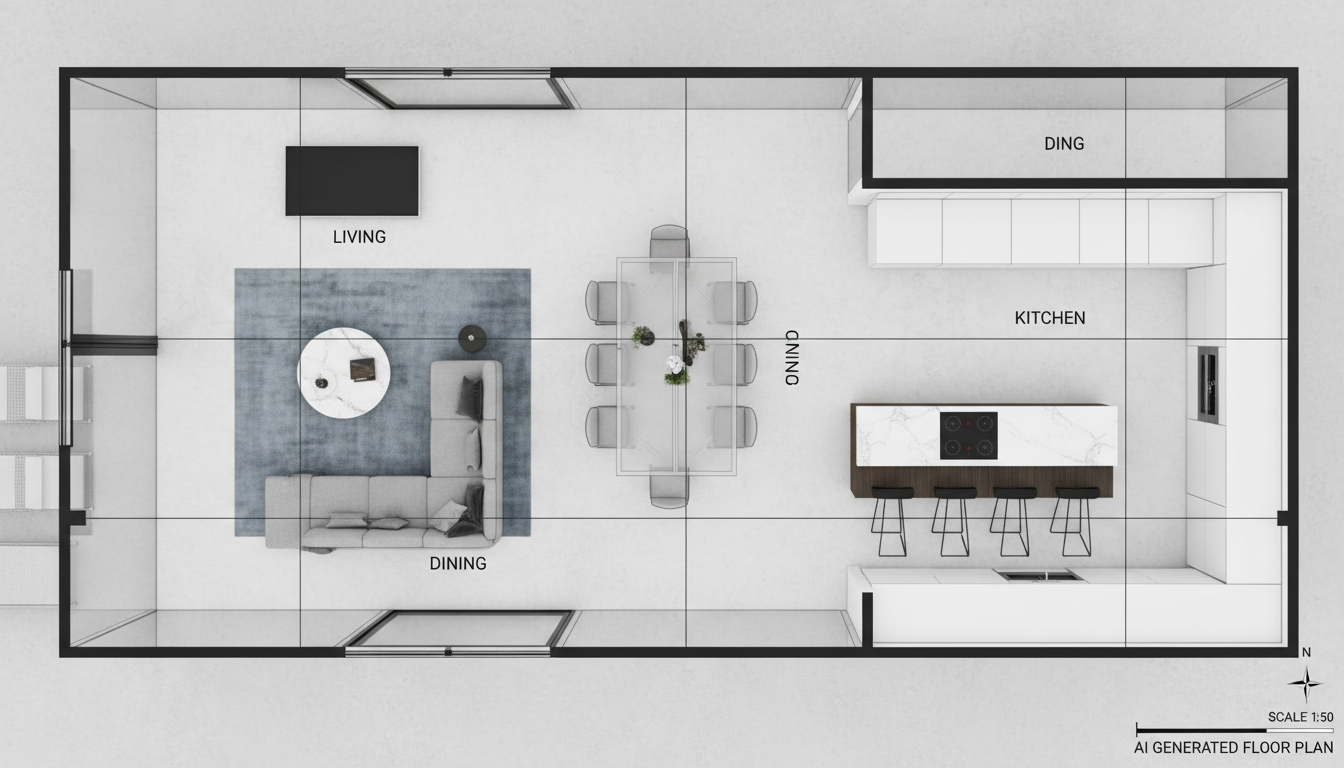


Revolutionize Your First Floor Plan Design Process

Speed & Precision in Every First Floor Plan
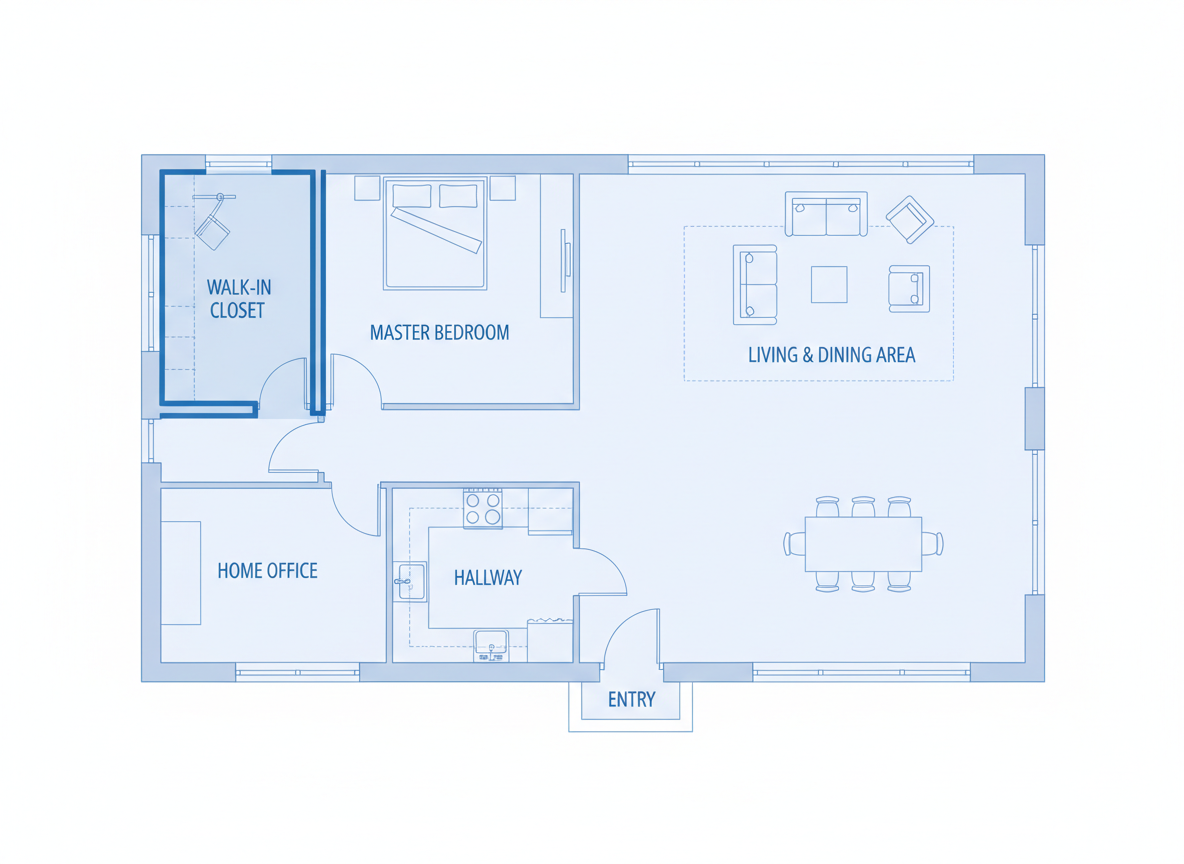
Say goodbye to manual drafting. Our AI floor plan maker rapidly converts your specifications into a high-quality 2D floor plan. Set your desired number of bedrooms, bathrooms, and even define your preferred gross area range to instantly generate an accurate and practical first floor plan, saving you countless hours in the initial design phase.
Tailored Layouts with Smart Extras for Your First Floor Plan
Customize your first floor plan with essential elements like a walk-in closet, laundry room, or a spacious combined living dining area. Our floor plan generator intelligently integrates these features, understanding spatial relationships to create a truly personalized layout. Explore possibilities for every room, ensuring your first floor plan reflects your lifestyle.
Visualize Your First Floor Plan with Open or Closed Kitchen Options
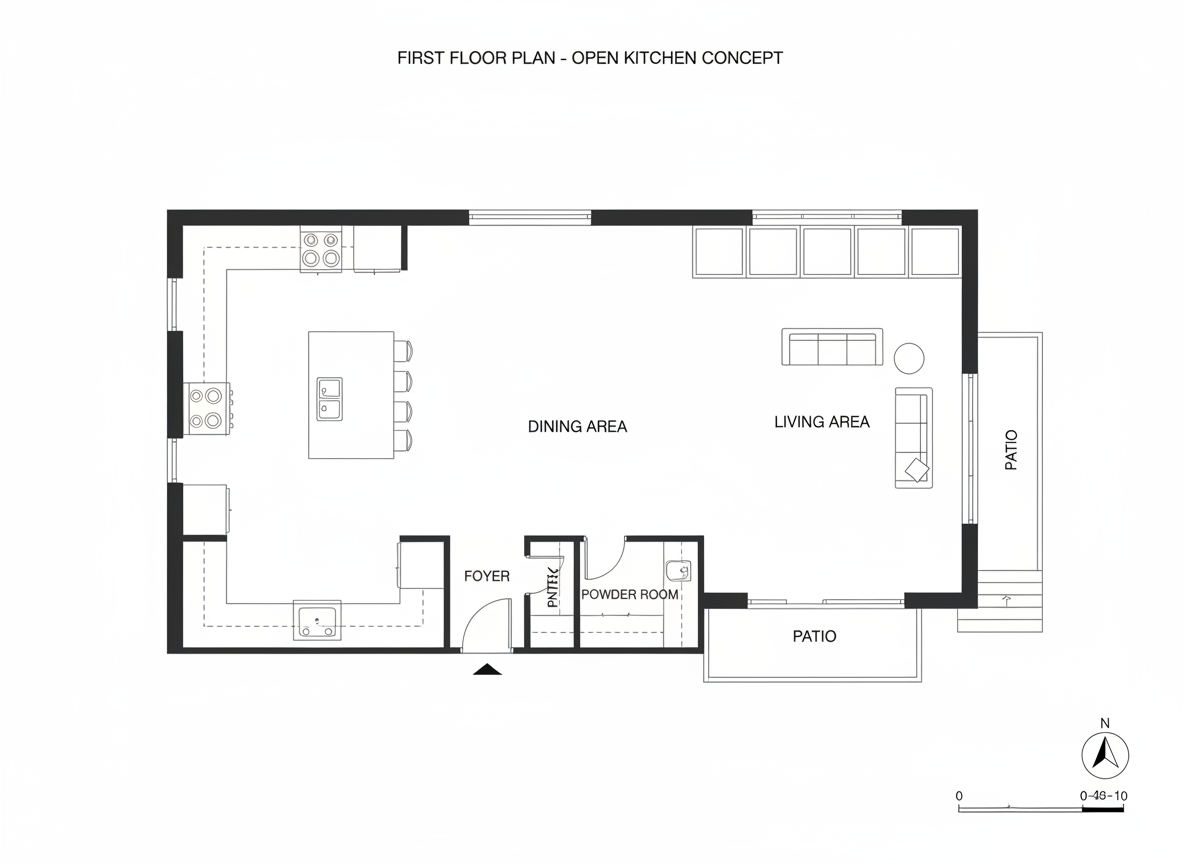
Whether you envision an expansive open kitchen that flows seamlessly into your living space or a more traditional closed kitchen for focused culinary endeavors, Ideal House makes it easy. Toggle between options and instantly see how different kitchen styles impact the overall flow and aesthetics of your first floor plan. This feature is crucial for homeowners and real estate floor plan presentations.
Enhanced Workflow for Every First Floor Plan Project
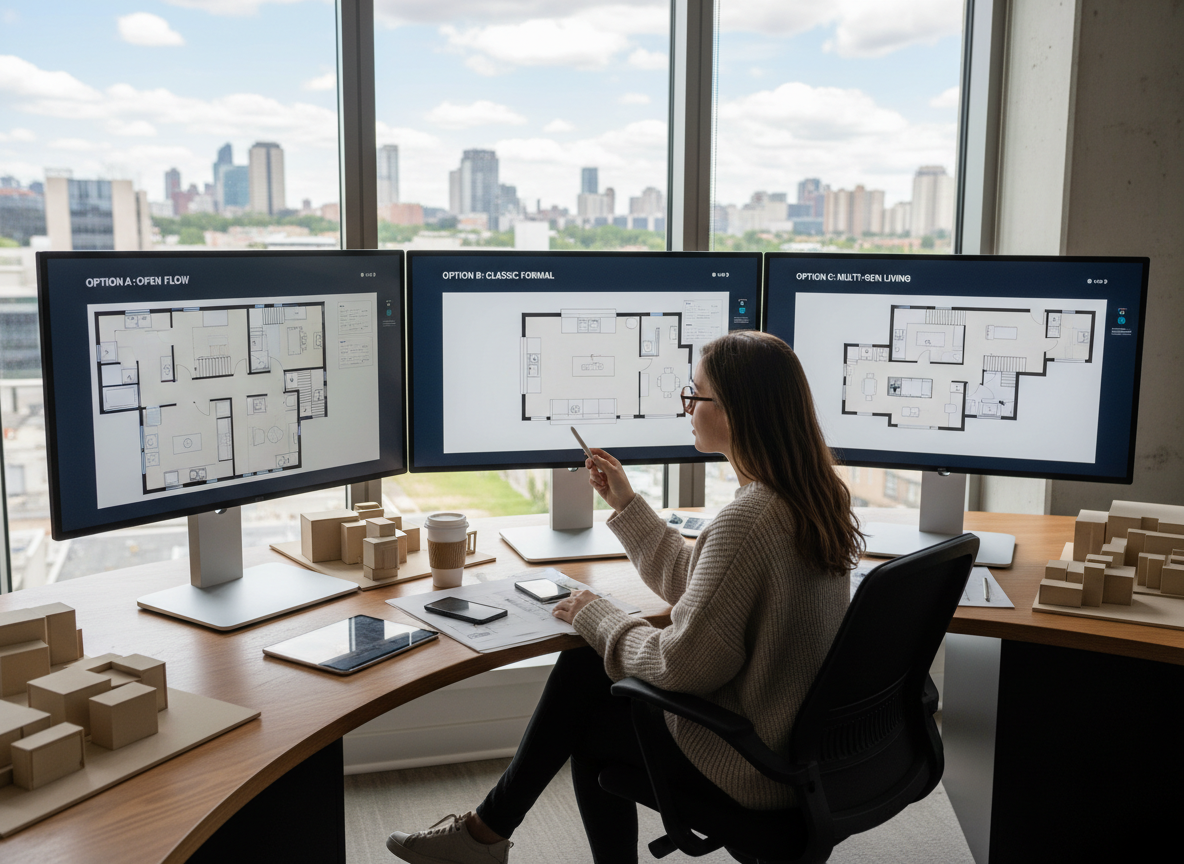
From initial concept to final presentation, our AI Floor Plan Generator streamlines your design process. Generate multiple versions of your first floor plan, compare them effortlessly in your generation history, and export high-resolution images or PDFs. This robust tool is ideal for creating compelling apartment floor plan layouts or detailed real estate floor plan visuals, boosting your project efficiency.

Who Benefits from an Ideal House First Floor Plan?

Homeowners & DIY Planners seeking to visualize their dream first floor plan before building or renovating.

Interior Designers & Decorators needing quick, accurate 2D floor plan concepts for client proposals and iterations.

Real Estate Professionals & Developers creating appealing real estate floor plans to enhance property listings and sales.

Contractors & Consultants requiring clear, communication-ready first floor plans for project alignment and scope definition.

Craft Your First Floor Plan in 6 Simple Steps
1
**Set Your Rooms:** Begin by specifying the number of bedrooms and bathrooms for your first floor plan. This forms the core of your layout.
2
**Choose Your Kitchen Style:** Decide if your first floor plan will feature an open kitchen or a more traditional closed kitchen.
3
**Define Gross Area:** Select a gross area range that aligns with your desired total square footage, guiding the scale of your first floor plan.
4
**Add Key Extras:** Incorporate essential features like a home office, garage, pantry, or balcony to personalize your first floor plan.
5
**Generate & Refine:** Click 'Generate' to see your first floor plan come to life. Tweak parameters and regenerate to explore various designs.
6
**Download & Share:** Export your preferred first floor plan as an image or PDF to share with clients, family, or contractors. This includes your 2d floor plan.
First Floor Plan FAQs
How does Ideal House generate my first floor plan?
Our AI floor plan maker processes your selected parameters—beds, baths, kitchen type, gross area, and extras—and applies intelligent design principles to create a coherent 2D floor plan, ensuring each first floor plan is practical and aesthetically pleasing. Every new generation provides a unique concept.
What are the customization options for my first floor plan?
You can set bedrooms (0-4), bathrooms (1-3), choose an open or closed kitchen, select a gross area band, and add multiple extras like a walk-in closet, laundry room, home office, or combined living dining area. These options allow for extensive customization of your first floor plan.
How does 'Gross Area' affect my first floor plan?
The gross area band you choose directly influences the overall scale and proportions of your first floor plan. Selecting the closest band ensures that rooms and circulation spaces feel appropriate for the desired footprint, creating a realistic and functional 2D floor plan.
Can I compare different first floor plan versions?
Absolutely! Every first floor plan you generate is automatically saved in your 'Generation History.' You can use filters and different view options to easily compare multiple versions side-by-side, helping you make informed decisions for your apartment floor plan or real estate floor plan projects.
Is it possible to add a garage or balcony to my first floor plan?
Yes, our tool allows you to include a garage, balcony, pantry, and many other 'extras' in your first floor plan. These selections guide the AI to integrate these specific areas logically into the overall layout, enhancing the functionality of your 2D floor plan.
Complement Your First Floor Plan with Related Ideal House Tools
Ready to Design Your Ideal First Floor Plan?
Experience the power of AI to create, customize, and perfect your first floor plan with Ideal House. Start now and bring your architectural dreams to life!
Generate My Floor Plan
💰 Earn 10% commission as a Ideal House Affiliate Partner.
Join us